

For people who live on wheels
Where and who to skate with, near you
Find people to skate with, places to skate, upcoming events and where to buy gear. All in one free app.
On Android? Try it before anyone else 🛼
The app is already in testing on Google Play. Join for free:
Use the SAME Google account in every step: the one on your Play Store.
Step 1 of 4
Check your account
Open the Play Store and tap your photo: that’s the email you’ll use.
Step 2 of 4
Join the group
Pick that account and tap “Join group”. If you then see “You don’t have permission”, you’ve joined: close that tab and come back to this page for step 3.
Join the groupStep 3 of 4
Accept the invitation
Tap “Become a tester”, then “download it on Google Play”.
Accept invitationStep 4 of 4
Install the app
Tap “Install”. Says it’s not available? Switch to the right account in the Play Store.
Open Google Play
 HeyHeyRoller

Not showing up?
- You’re using a different Google account (the most common cause). Make sure it’s the same in all 3 steps and in the Play Store.
- You joined just a few minutes ago. Wait a bit and try again.
- You didn’t accept the invitation in step 2. Open it again and accept it.
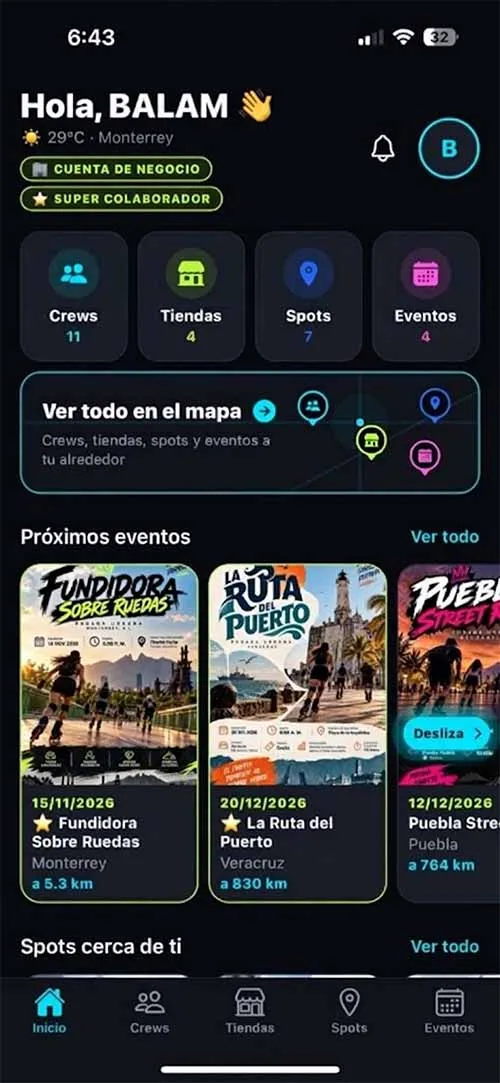

Your people, your spots, your rides
HeyHeyRoller brings into one app what you now hunt for across groups, chats and scattered profiles. And it is free.
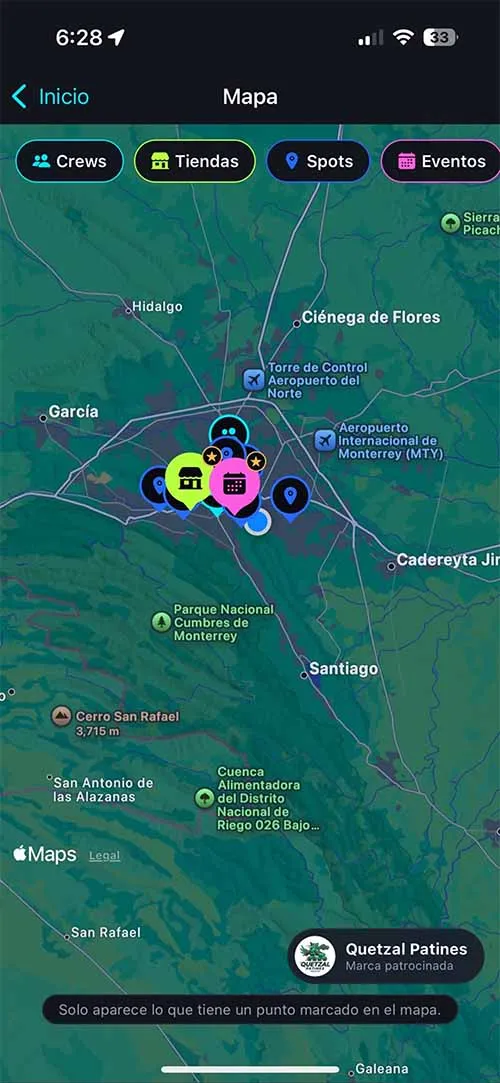
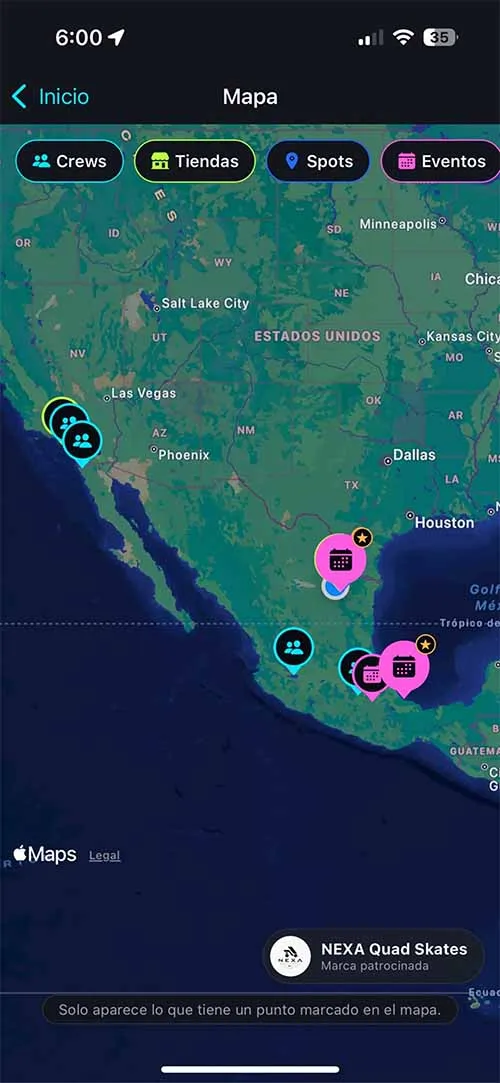
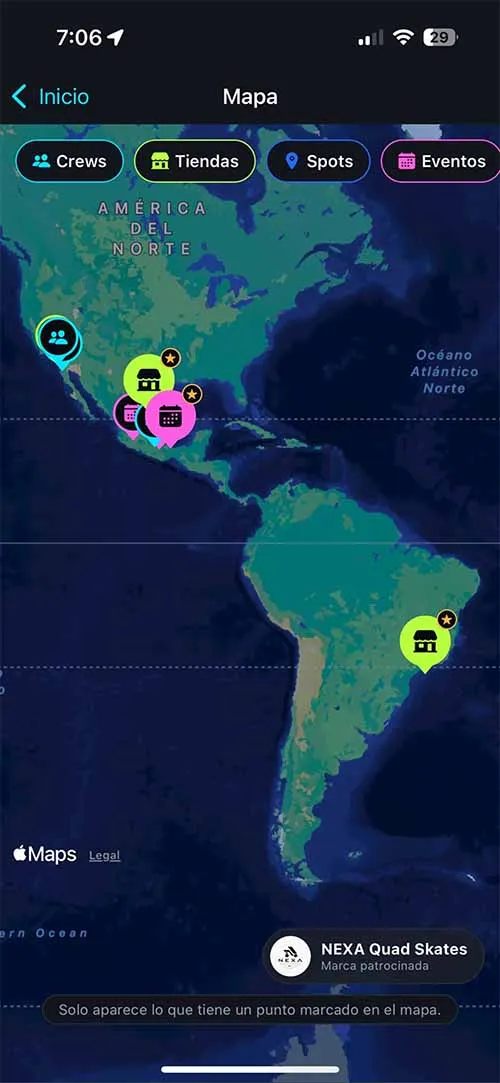
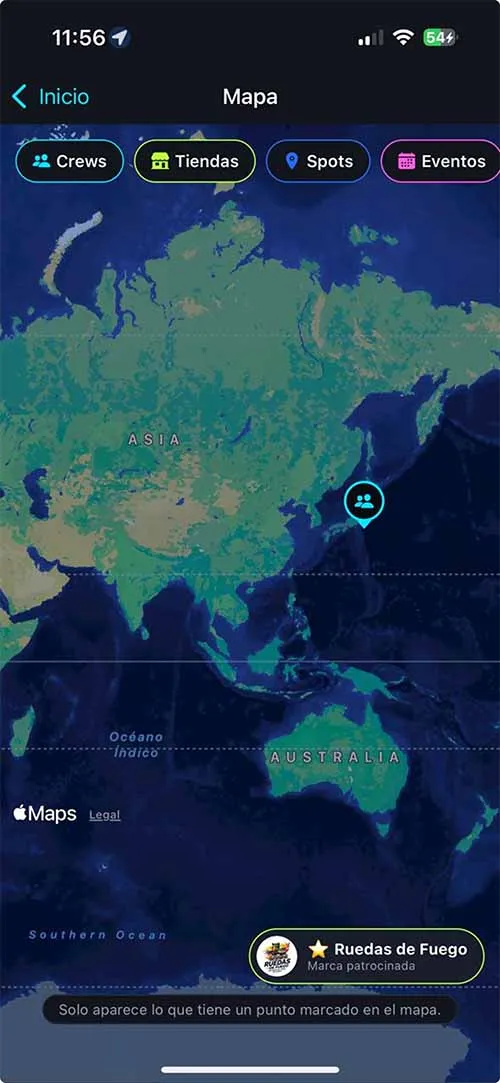
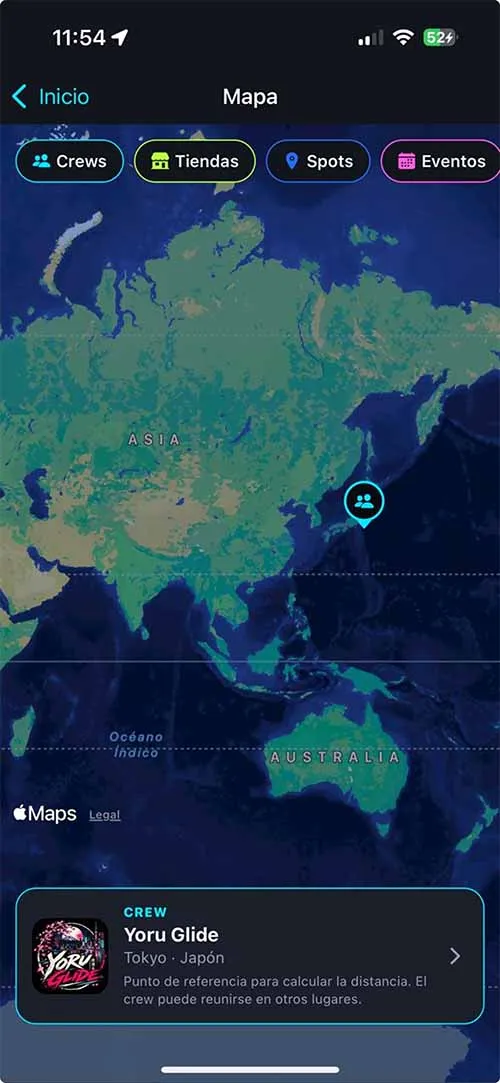
Everything on one map
Crews, spots, events, shops and brands brought together on one map. See at a glance what is happening around you and decide where to go.
- Every category in one place.
- See what is near you at a glance.
- Tap any point on the map to open its listing.
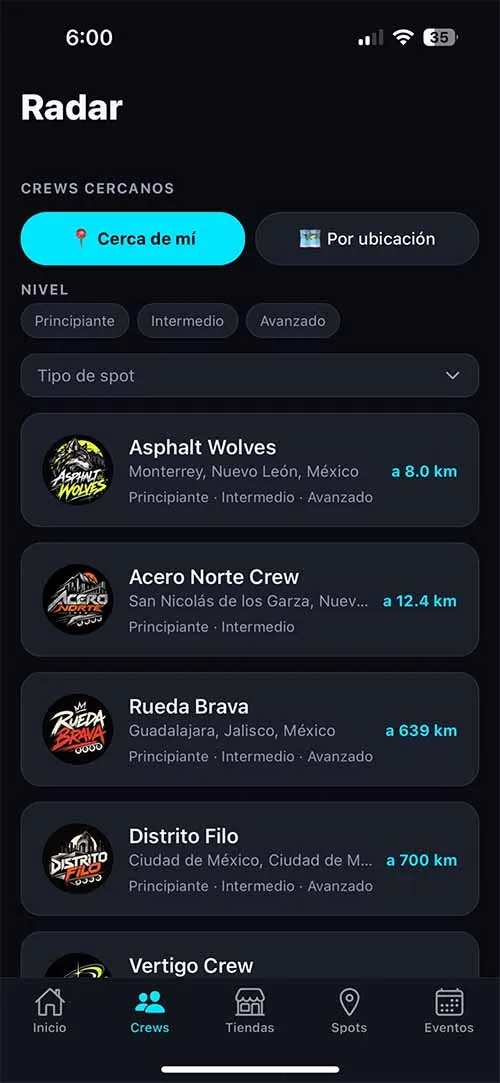
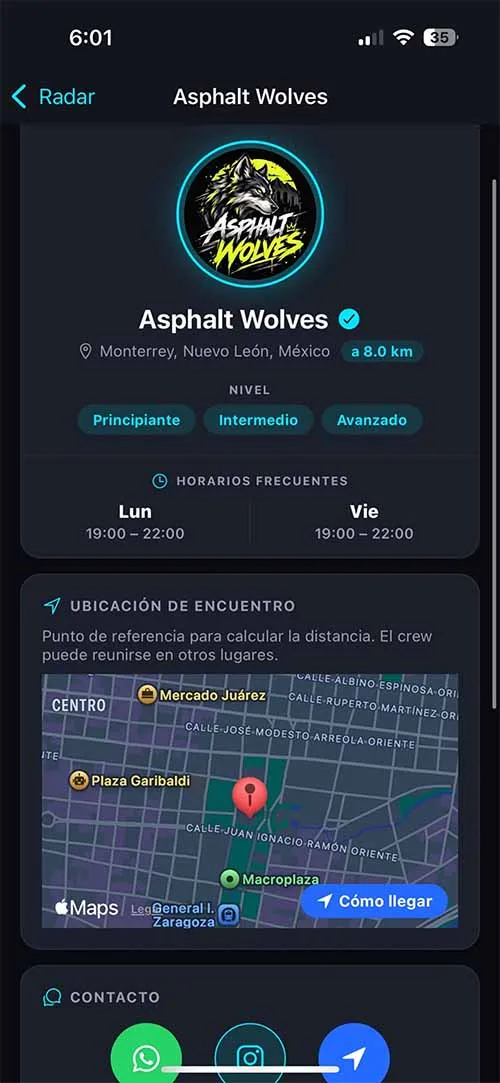
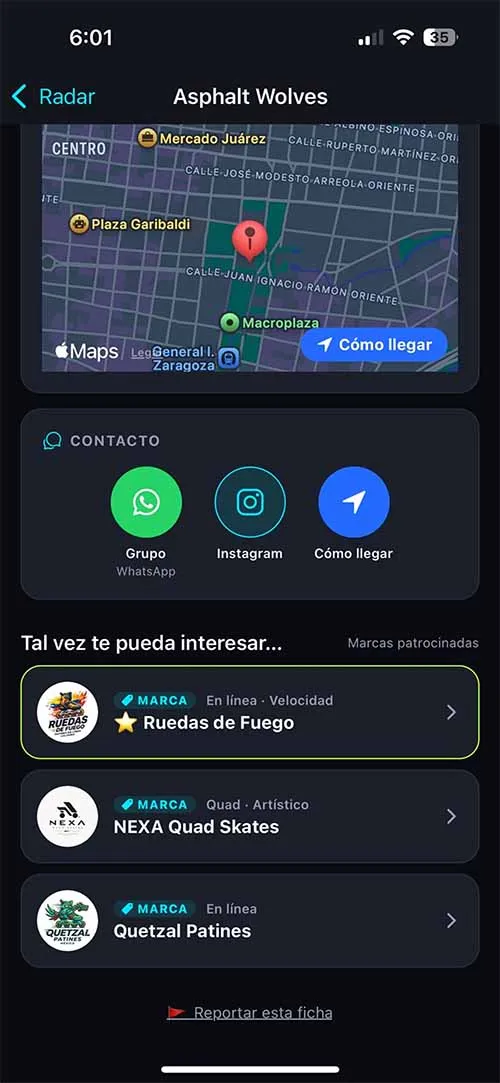
Find people to skate with
Skating is better together. Discover the crews near you or start your own.
- Discover the crews that skate near you.
- Every crew shows how far away it is.
- Start your own crew and get it known.
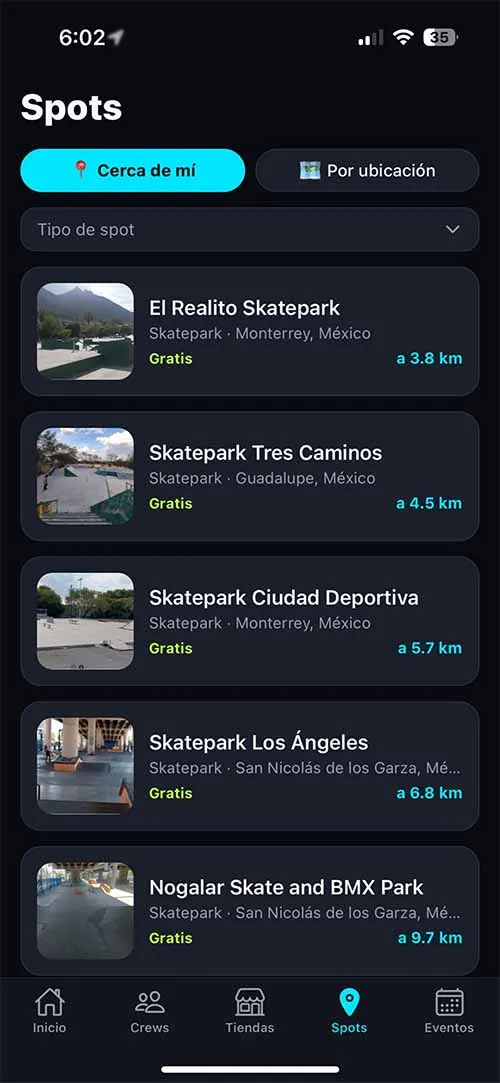
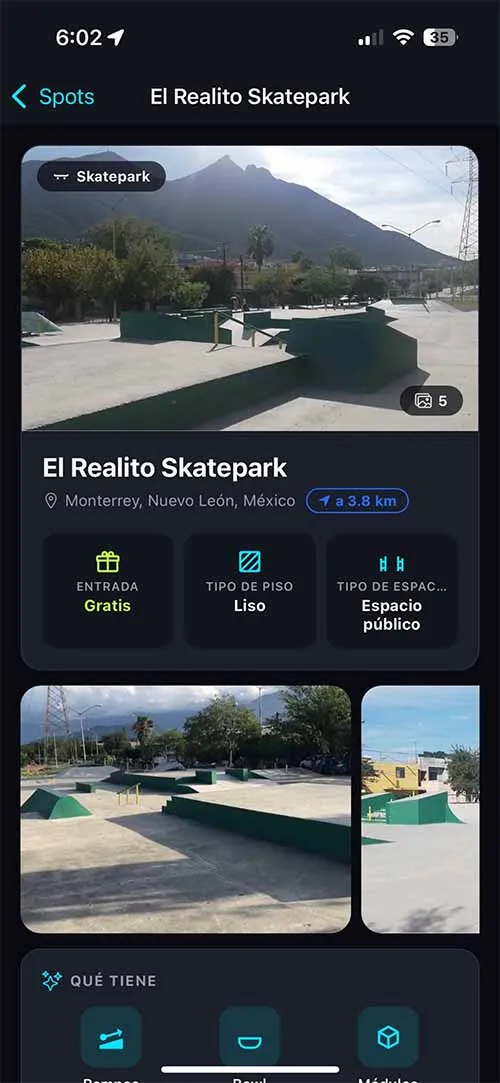
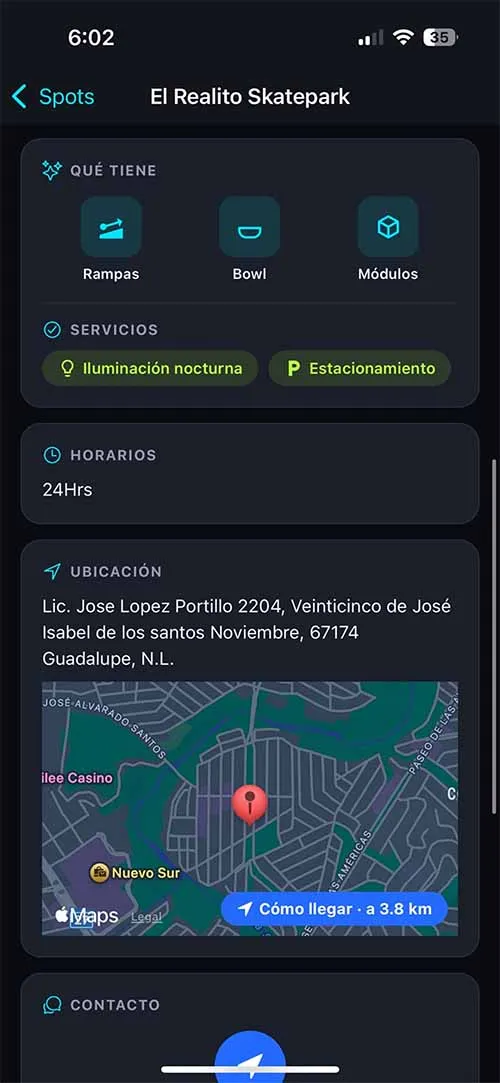
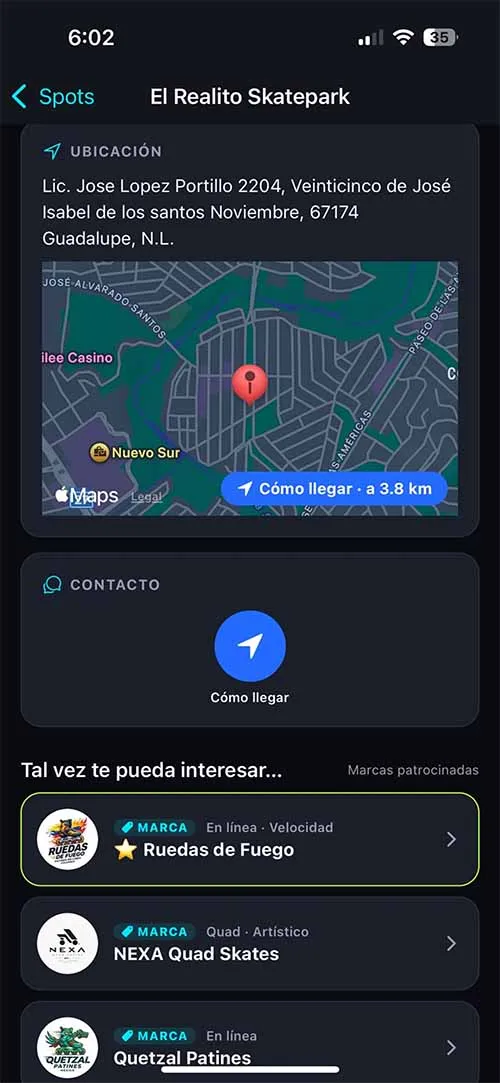
Discover where to skate
Parks, rinks and streets recommended by other skaters, in your city or wherever you travel.
- Every spot shows how far it is from you.
- Photos, opening hours and “Directions” on every listing.
- Know a good spot? Suggest it so others can find it.
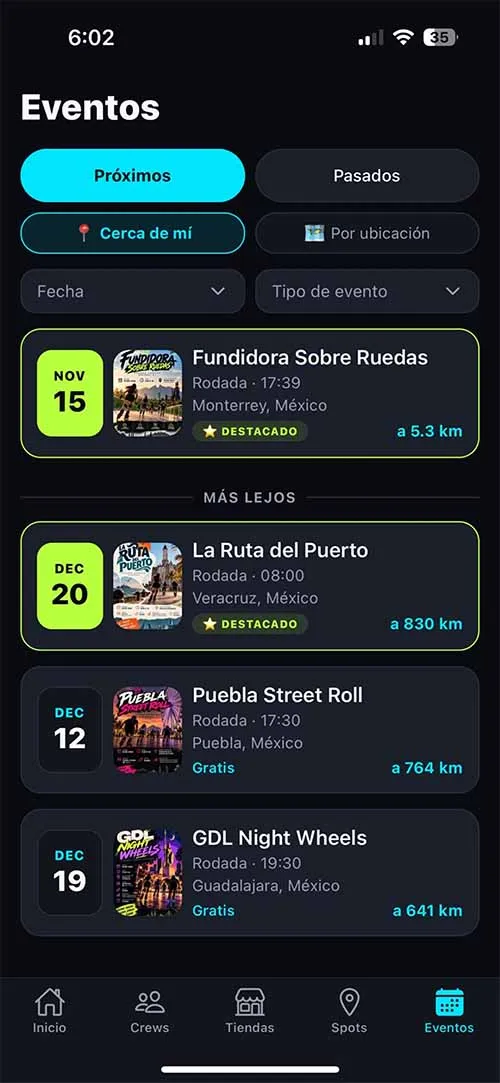
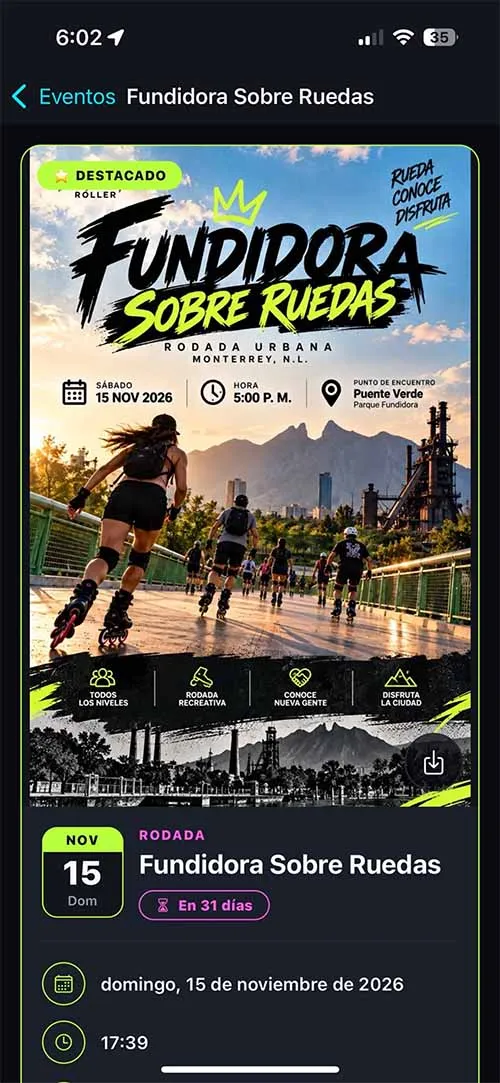
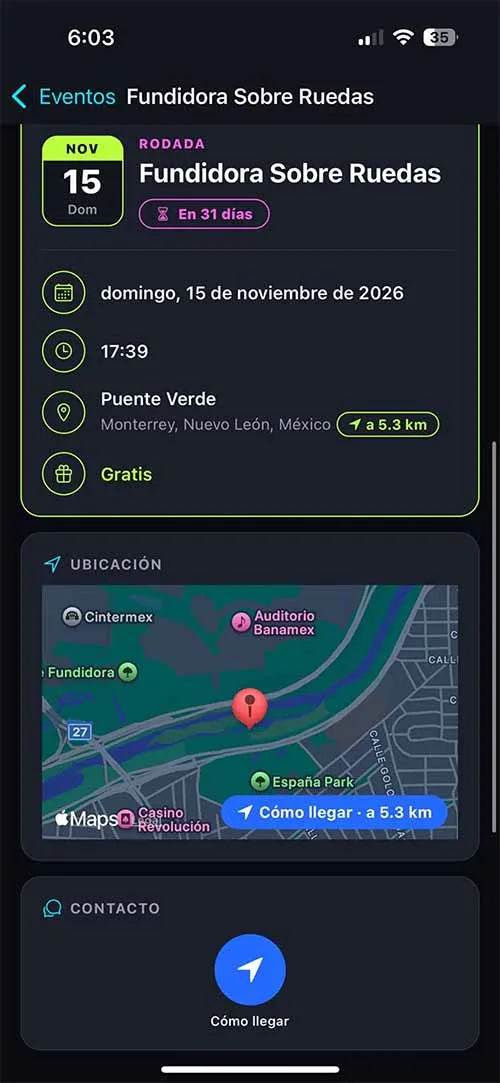
Never miss a ride
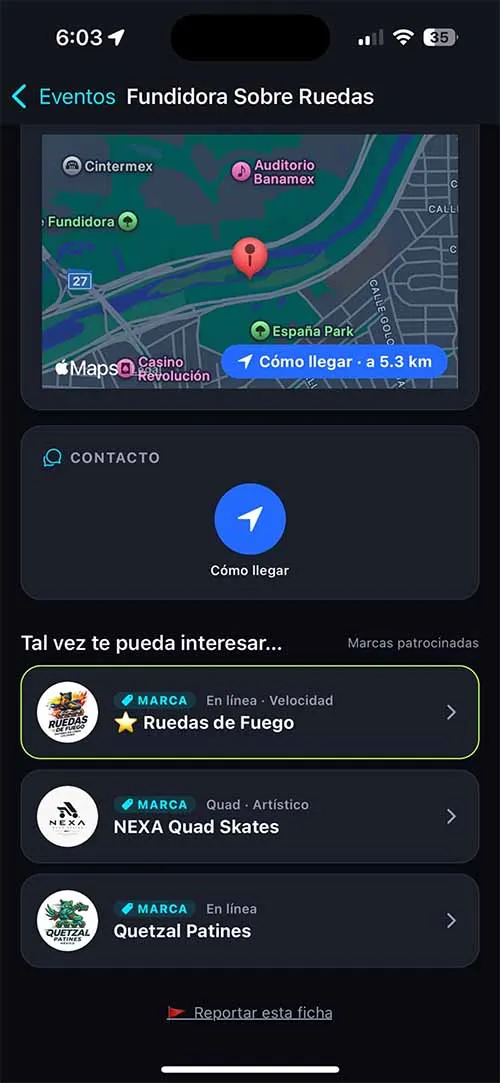
Group rides, competitions and classes in one place, without waiting for someone to forward you the flyer.
- See the events coming up near you.
- Date, time, place and flyer for every event.
- Post your crew’s or your city’s events for free.
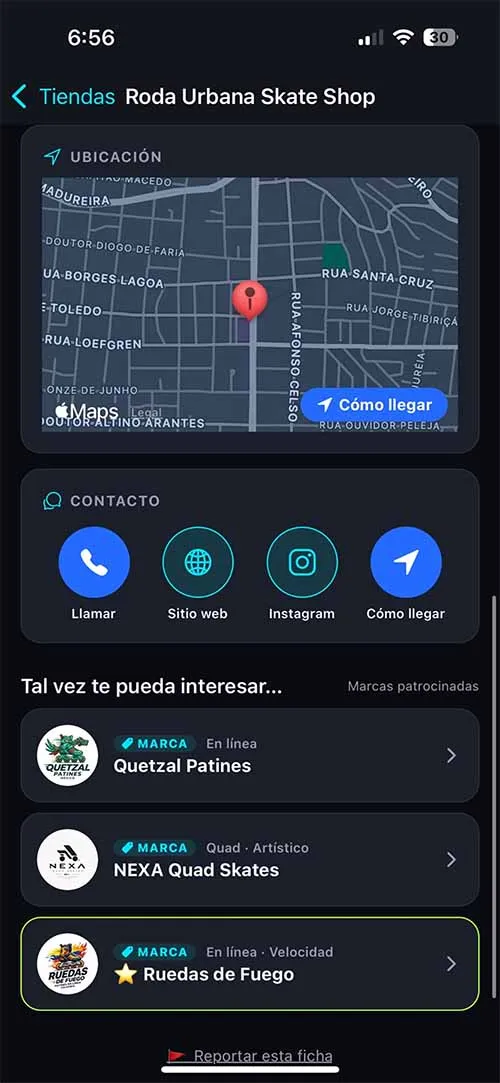
Find where to buy
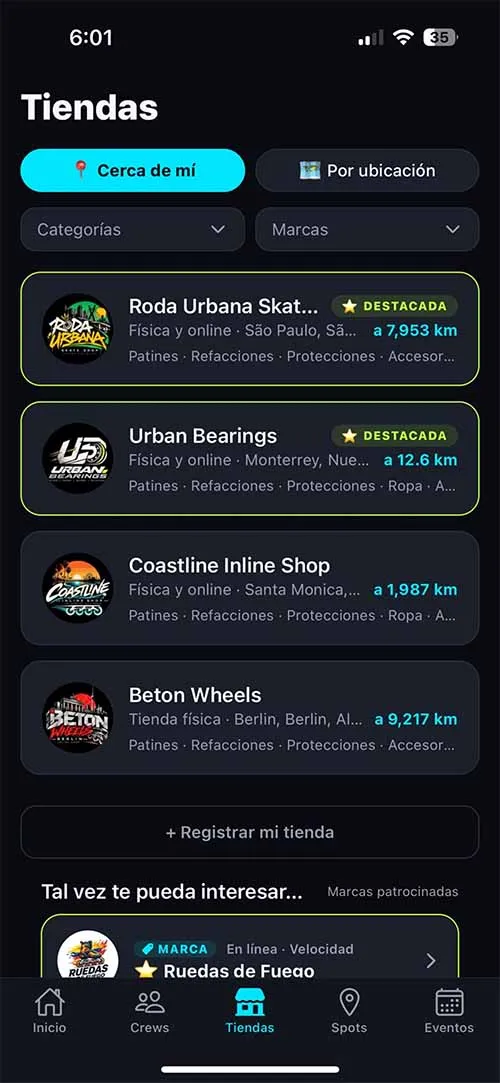
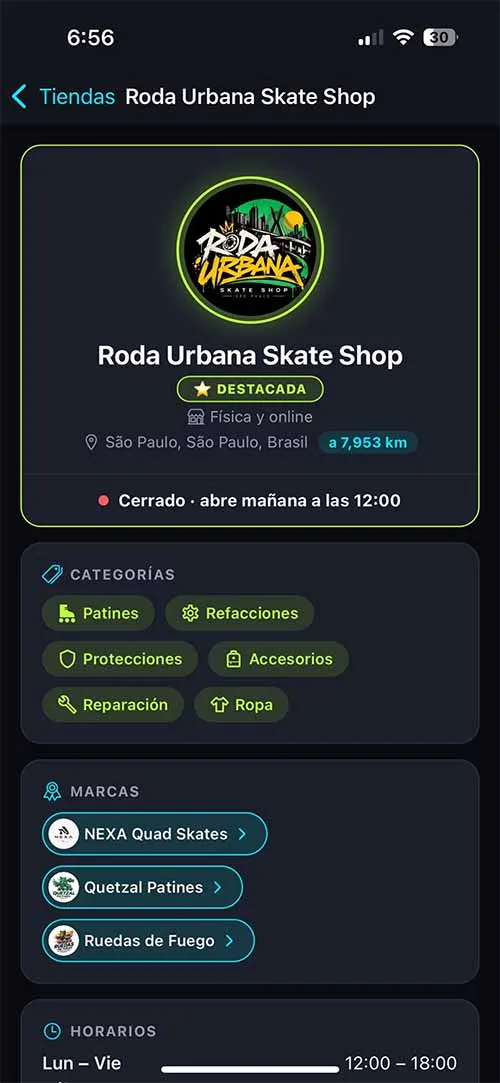
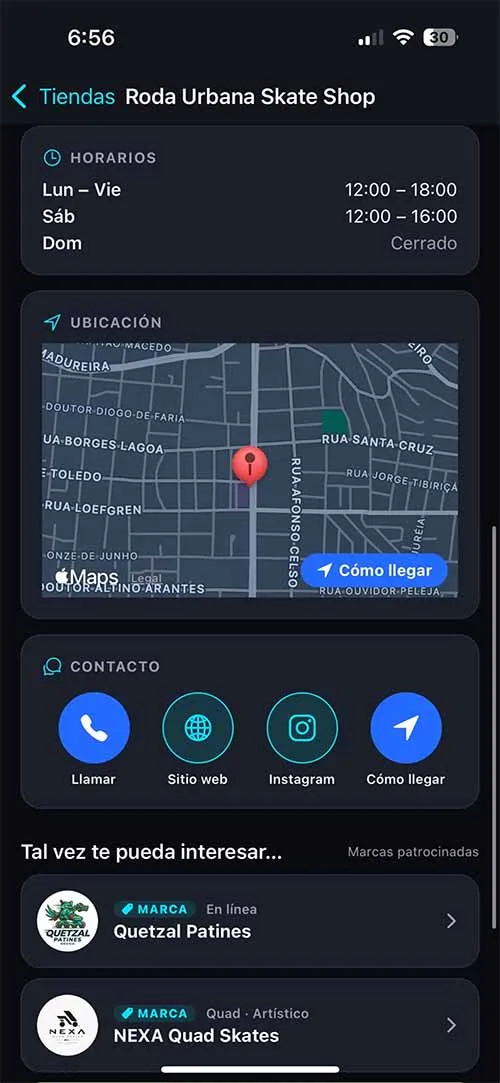
Skates, wheels, protective gear and parts: go straight to the people who sell them.
- Shops near you, with their contact details and opening hours.
- Message them on WhatsApp from their listing.
- Get to know the brands and see which shops carry them.
Completely free
Start your crew, suggest the spots you know, post free events and explore everything without paying a thing.
Skate without borders
HeyHeyRoller is available in 9 languages and built for skaters in any country.
Frequently asked questions
Is HeyHeyRoller free?
Yes. Downloading the app, creating your profile and exploring are all free.
Which countries can I use it in?
Anywhere in the world. HeyHeyRoller grows city by city, and the app is available in 9 languages.
What kind of skates is it for?
All skates are welcome: quad, inline, aggressive, artistic, speed… If you roll, there is a place for you here.
Can I post a spot or an event?
Yes. You can suggest the spots you know and post your crew’s or your city’s events for free.
Who can use HeyHeyRoller?
For safety reasons, only people of legal age.
I have a problem with the app. Who do I contact?
Our technical support team. Write to us at support@heyheyroller.com or from the support page and we will help you. Learn more
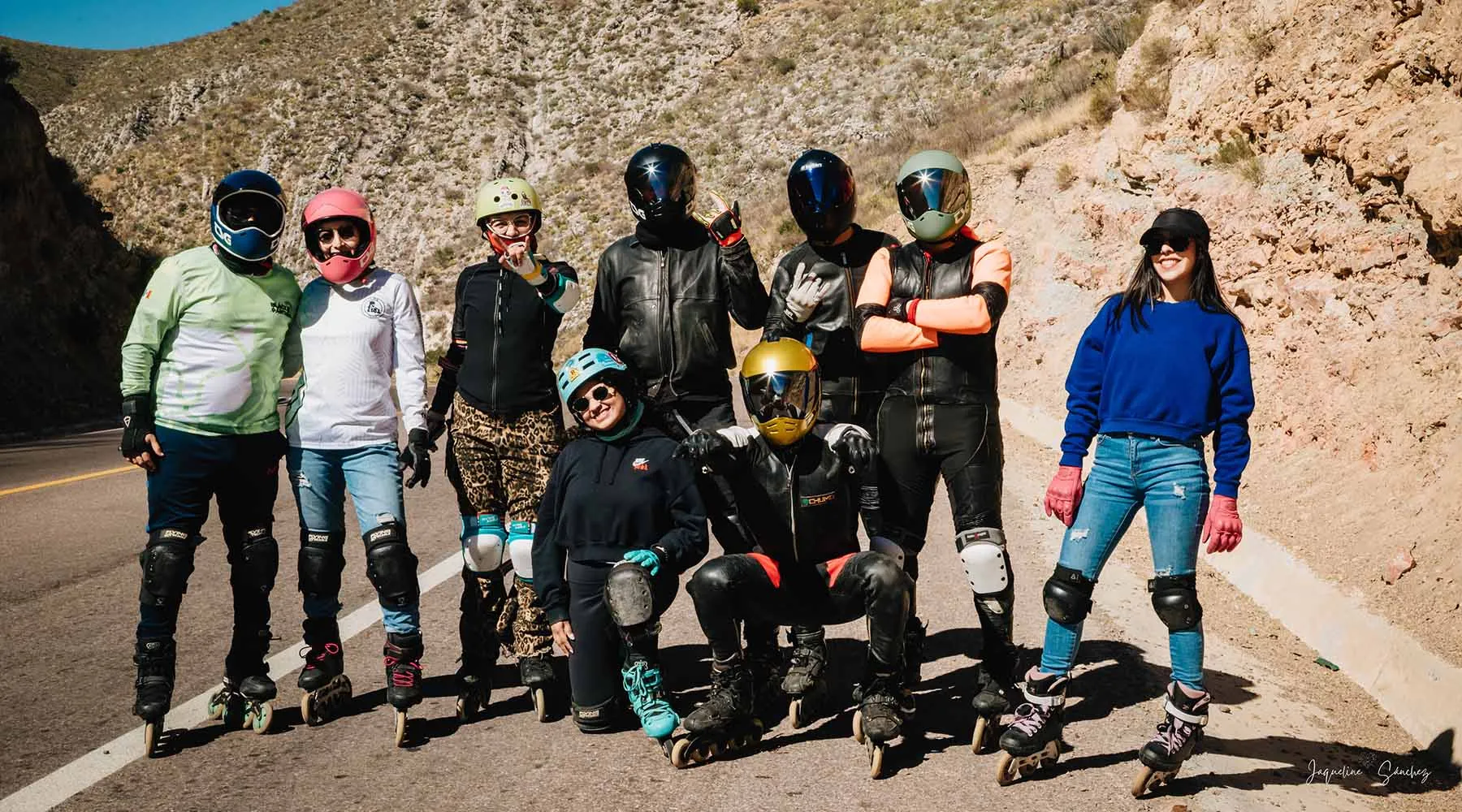
Get started in three steps
Download the app, create your profile and explore for free.
- 1Free
Download the app on your iPhone or Android.
- 2Free
Create your profile.
- 3Free
Explore what is nearby and go skate.
On Android? Try it before anyone else 🛼
The app is already in testing on Google Play. Join for free:
Use the SAME Google account in every step: the one on your Play Store.
Step 1 of 4
Check your account
Open the Play Store and tap your photo: that’s the email you’ll use.
Step 2 of 4
Join the group
Pick that account and tap “Join group”. If you then see “You don’t have permission”, you’ve joined: close that tab and come back to this page for step 3.
Join the groupStep 3 of 4
Accept the invitation
Tap “Become a tester”, then “download it on Google Play”.
Accept invitationStep 4 of 4
Install the app
Tap “Install”. Says it’s not available? Switch to the right account in the Play Store.
Open Google Play
Not showing up?
- You’re using a different Google account (the most common cause). Make sure it’s the same in all 3 steps and in the Play Store.
- You joined just a few minutes ago. Wait a bit and try again.
- You didn’t accept the invitation in step 2. Open it again and accept it.